The complete, connected back office for Canadian real estate brokerages

One transaction. Every back-office step.

RealDesk carries each transaction through compliance, commissions, payments, accounting and reporting. Brokers, staff, agents, lawyers and clients each get the access they need.
Complete means the whole transaction lifecycle.

RealDesk does not stop at document approval or start after closing. It carries the transaction through every back-office stage.

People and brokerage records

Listings, referrals and deals

Review and compliance work

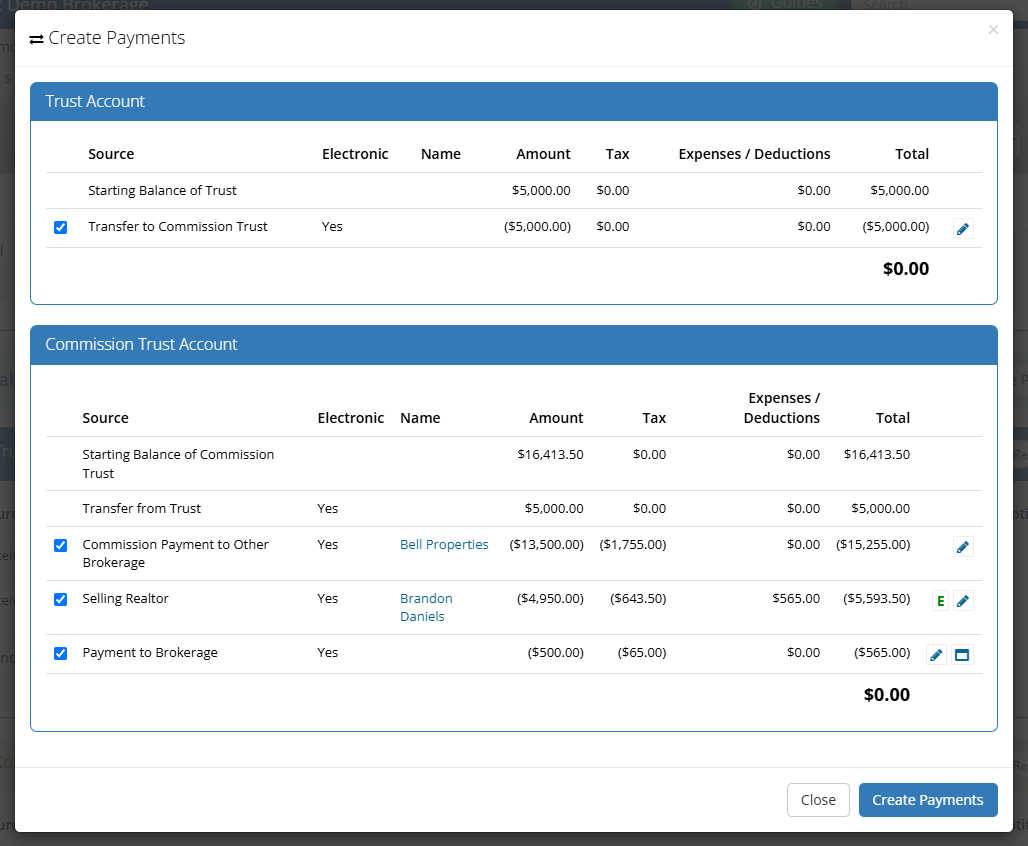
Commissions and conveyancing

Payments and payouts

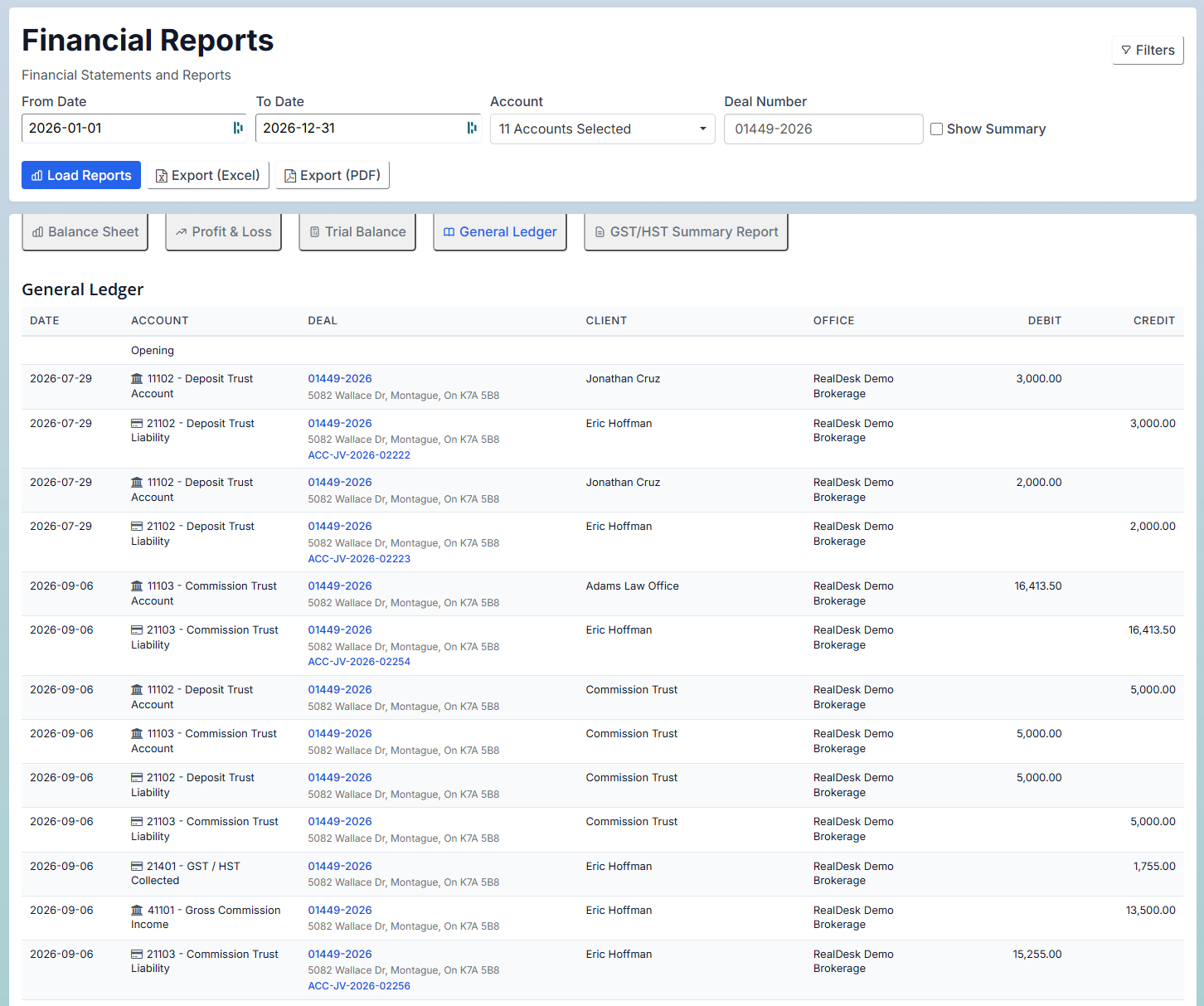
Accounting and reporting

From submission to the books, the transaction stays connected.

Run the transaction

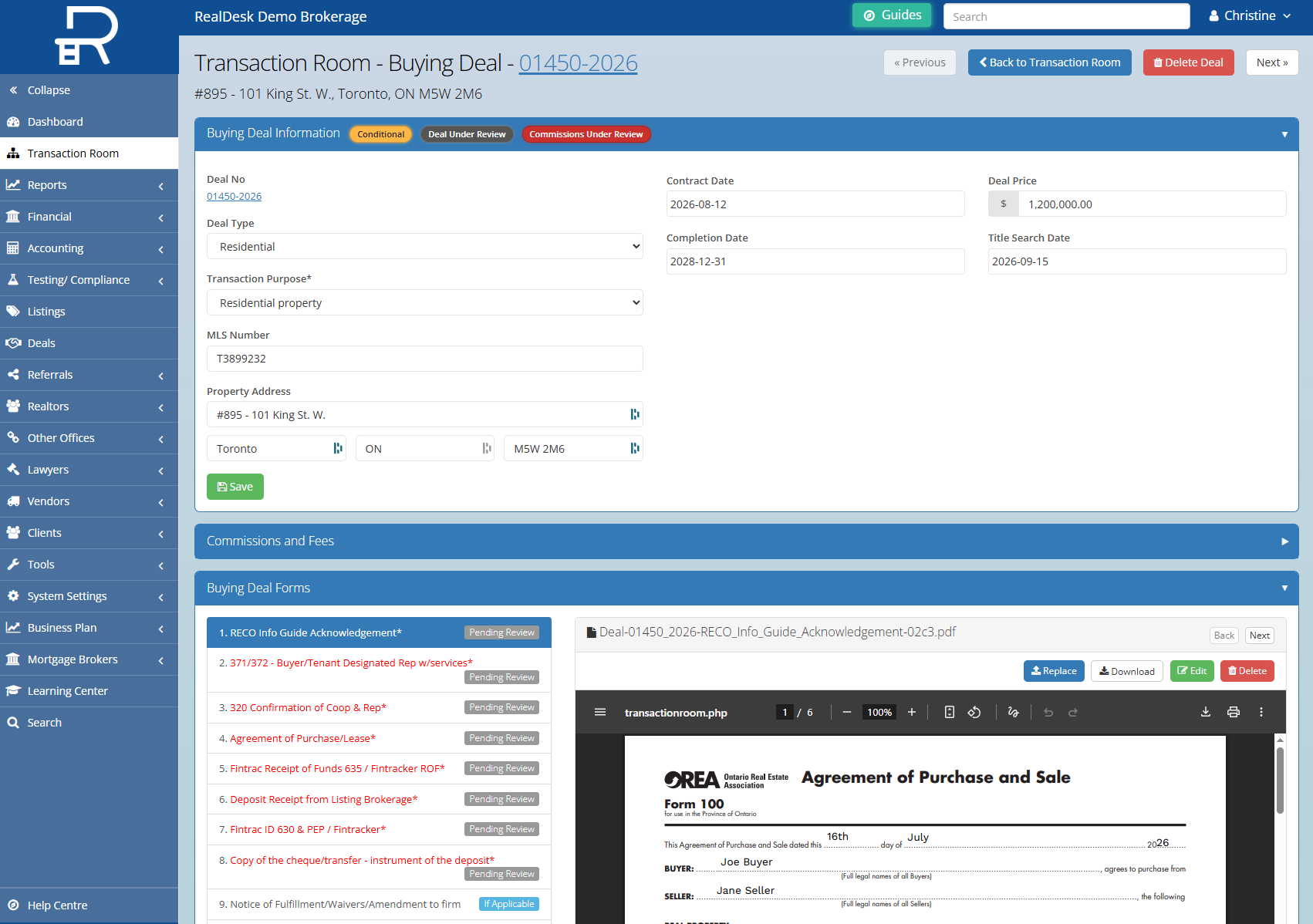
Create the deal, collect documents, apply requirements, review submissions and keep comments, approvals and history together.

Carry the deal through closing and payout

Calculate commissions, fees and deductions; prepare trade records, invoices and conveyancing; then process EFT, debit, and credit card payments.

Keep accounting and reporting connected

Carry approved activity into trust and general accounting, receivables, payables, bank reconciliation, taxes and reporting.

Connected means everyone works from the same transaction.

Each person sees the same transaction through access matched to their role.

Brokers

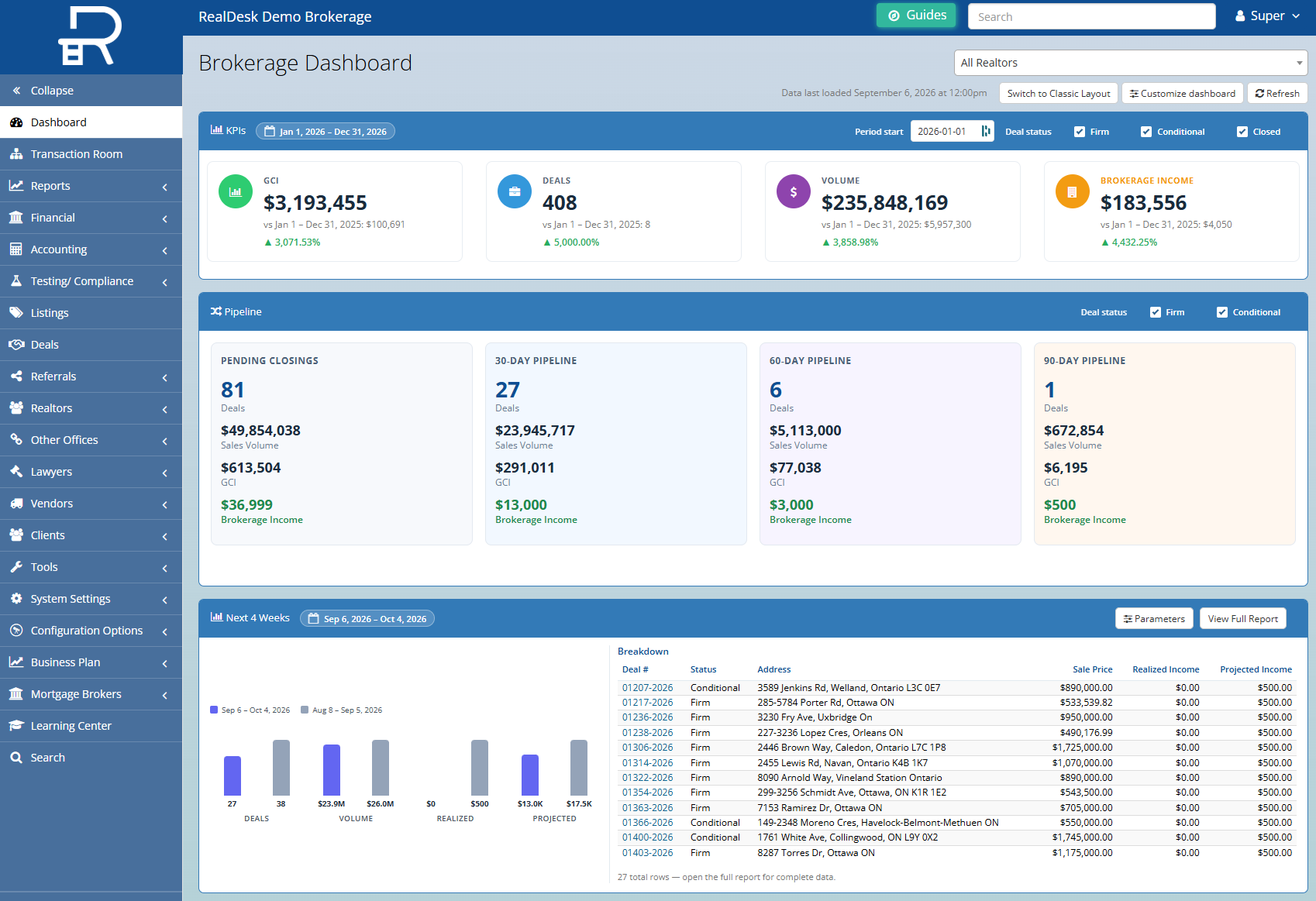
See workload, approvals, finances and reporting.

Learn about RealDesk for brokers

Staff

Run submissions, reviews, commissions, payments and accounting.

Learn about RealDesk for staff

Agents

Submit and follow deals, complete tasks, sign documents and view statements.

Learn about RealDesk for agents

Lawyers and clients

View or download only the documents shared with them.

Automation works because RealDesk already has the information.

Once information has been entered and approved, RealDesk can reuse it for supported documents, calculations, payments, accounting and reporting.

Reuse approved information

Apply requirements, permissions and rules

Create documents, calculations, payments and accounting from the transaction

Keep dashboards and reports current

Replace the back-office stack. Keep the tools built for something else.

RealDesk replaces

  • Legacy back-office and transaction-management software
  • Shared drives, inboxes and folders used as the deal file
  • Commission, deduction and reporting spreadsheets
  • Separate brokerage accounting and manual payout processes

Keep or connect

  • Keep your CRM, website/IDX and MLS tools
  • Keep your chosen e-signature tool, or use RealSign separately
  • Connect RealDesk to your bank accounts and process payments
  • Give agents, lawyers and clients controlled access

See how switching to RealDesk works

Frequently asked questions

No. It keeps the agent, client, listing and deal information needed to run the back office. Your prospecting and marketing CRM stays in place.

Yes. RealDesk replaces the back-office and transaction systems your team uses day to day. Your old system may remain temporarily while your data and workflows are moved.

Yes. RealDesk Accounting handles trust and general accounting, reconciliation and reporting. The exact setup depends on the modules your brokerage uses.

Not necessarily. Agents and brokerages can keep their current e-signature tools. RealSign is available separately.

No software can guarantee compliance. RealDesk keeps requirements, reviews, histories and reports with each transaction so your team can manage and document the work.

You won’t lose it. We agree on what moves into RealDesk, how anything else will be retained, and verify the result with your team before you switch over. See how switching to RealDesk works.

See the complete workflow with one of your own deals.

Bring us a representative transaction. We’ll show what moves into RealDesk, what stays connected and how the work flows from submission to reporting.