RealDesk for Canadian real estate agents

Your deals. Your documents. Your money. One place.

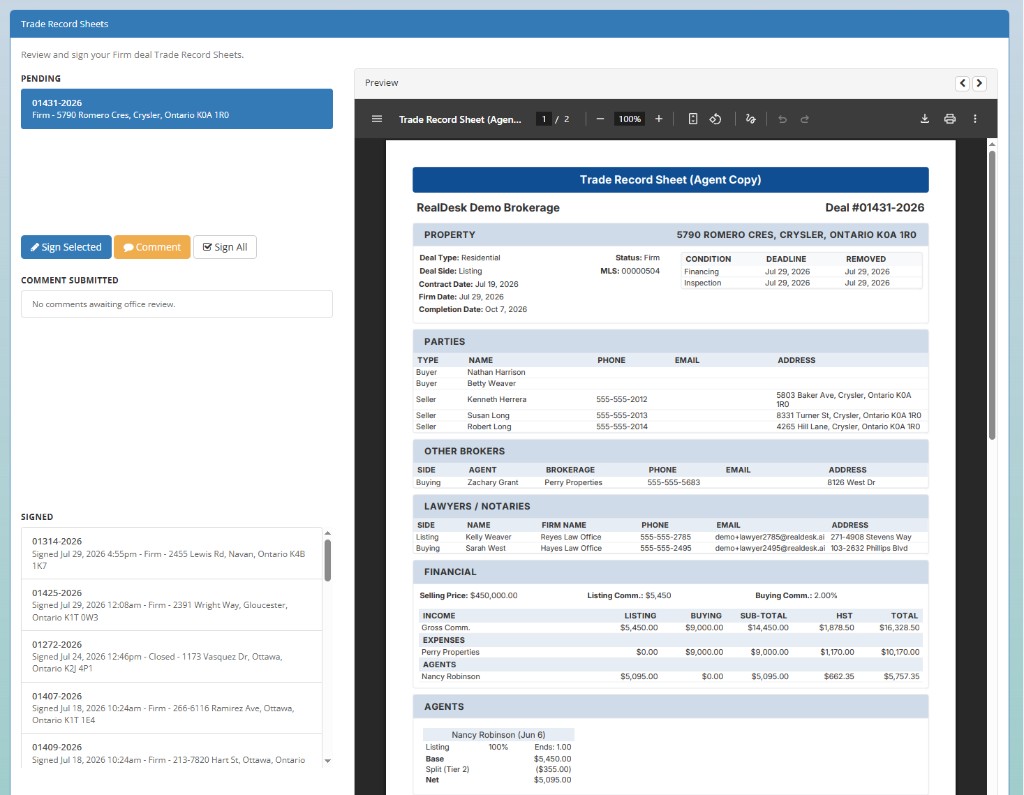
Submit and follow transactions, complete assigned work and sign trade records in the same place. Access your documents, earnings, expenses and year-to-date reports without waiting for the office to pull them.
Stay on top of the deal without chasing the office.

See the information and actions that belong to you while the brokerage keeps control of the back office.

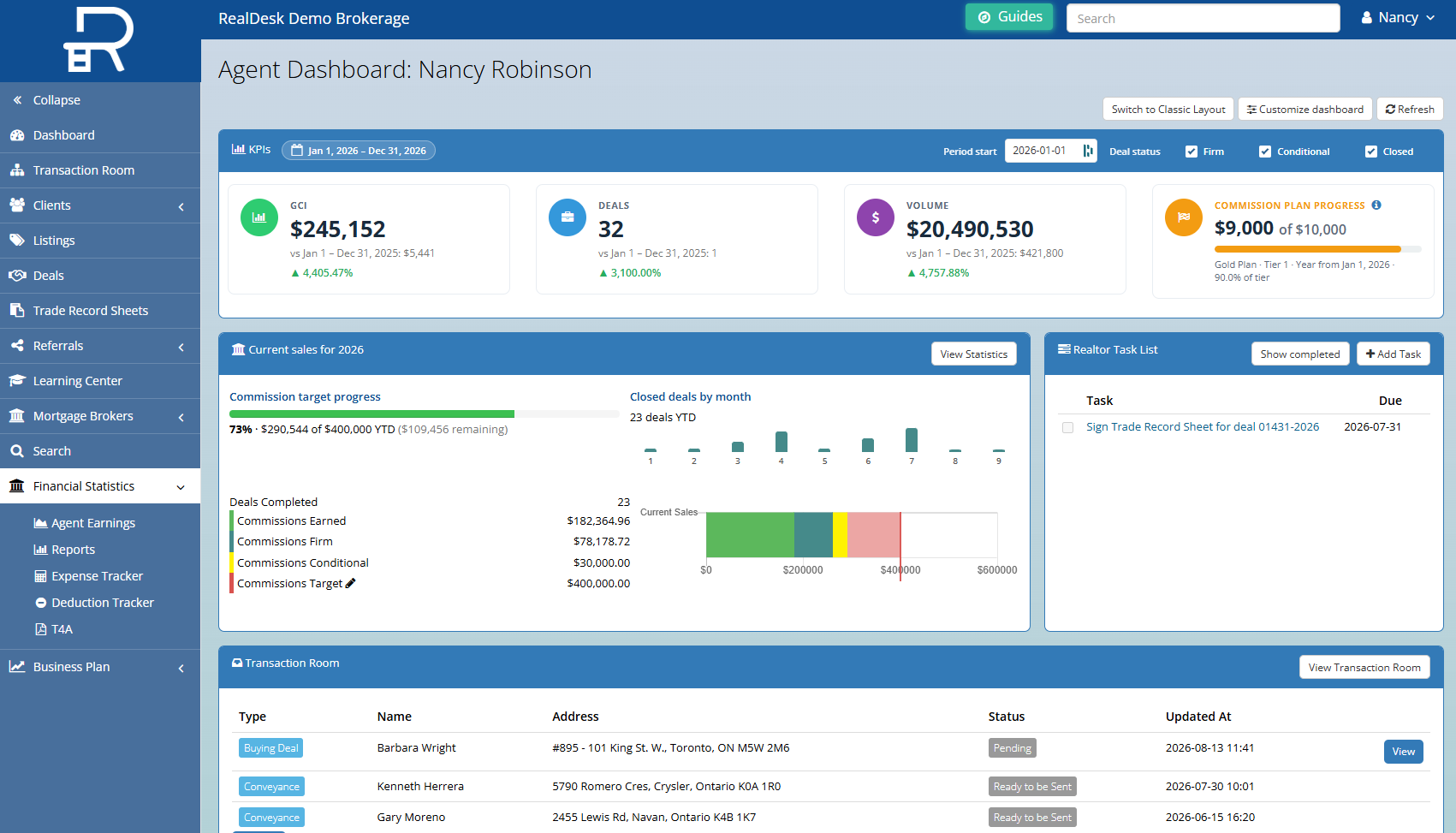
Know what needs you.

See required items, assigned work and current status.

Keep your documents with the deal.

Upload, receive and retrieve documents from the transaction.

Follow the money.

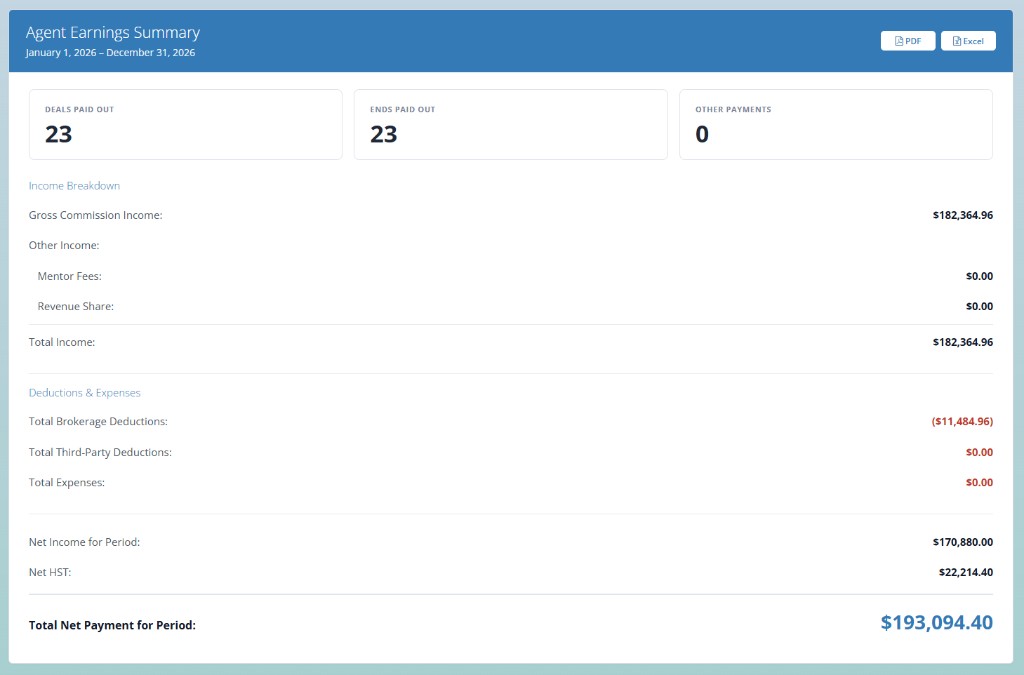
See commissions, deductions, expenses and payout status.

Pull your own numbers.

Open current statements and year-to-date reports when you need them.

Stay connected from submission to payout.

RealDesk shows where the deal stands and what you need to do next.

Add the transaction

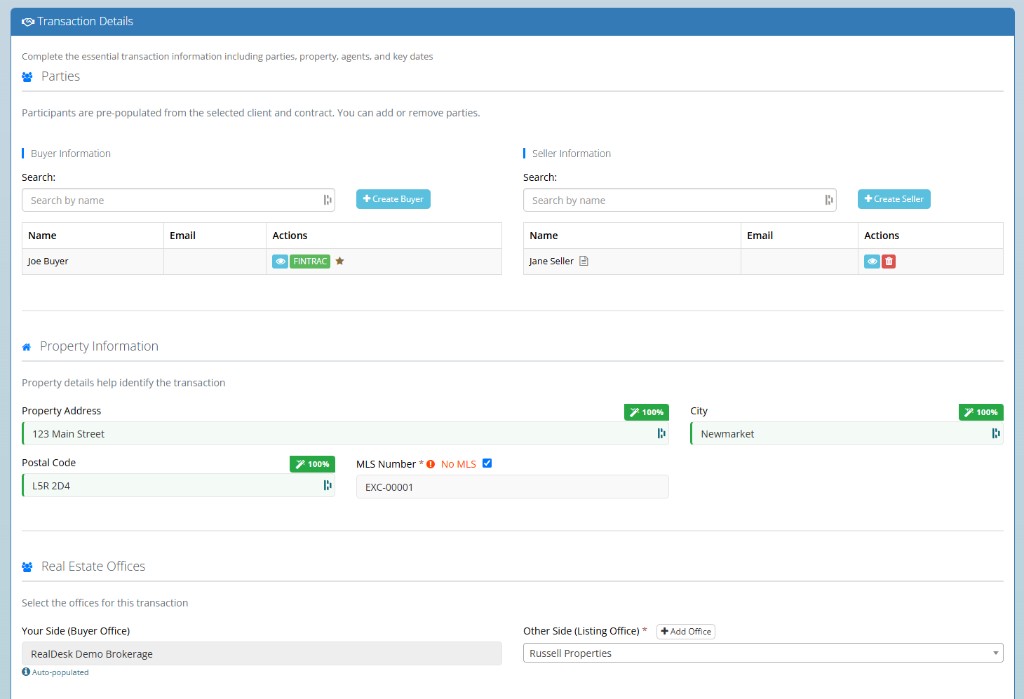
Enter the client, property and deal information the brokerage needs.

Submit the file

Upload documents, complete required fields and send the deal for review.

Respond and sign

See outstanding items, make corrections and sign the approved trade record.

Track and get paid

See payout status, receive notifications and access final documents and reports.

You see your own work and financial information, not the brokerage’s internal accounting or another agent’s records.

Your numbers should not depend on someone running a report.

See current production, commissions, deductions and expenses from your own dashboard. RealDesk can also email expense statements and payment notifications.

Frequently asked questions

No. RealDesk is the brokerage’s back-office platform. Keep using the prospecting and marketing tools you choose.

Yes. Enter the information, upload documents and submit the transaction into your brokerage’s workflow.

Yes. Required fields, documents, assigned work and outstanding items appear with the transaction.

Yes. You can see the commissions, deductions, expenses, statements and year-to-date totals your brokerage makes available in RealDesk.

Yes. You can sign your agent copy after commissions are approved.

No. You see only the information appropriate to your role.

No. Keep the e-signature tool you already use, whether you choose it directly or your brokerage provides it. RealSign is available separately.

See the agent side of the transaction.

Walk through a representative deal from submission to payout. See what you handle, what the office handles and what you can check without sending another email.